In the product
Your first hour
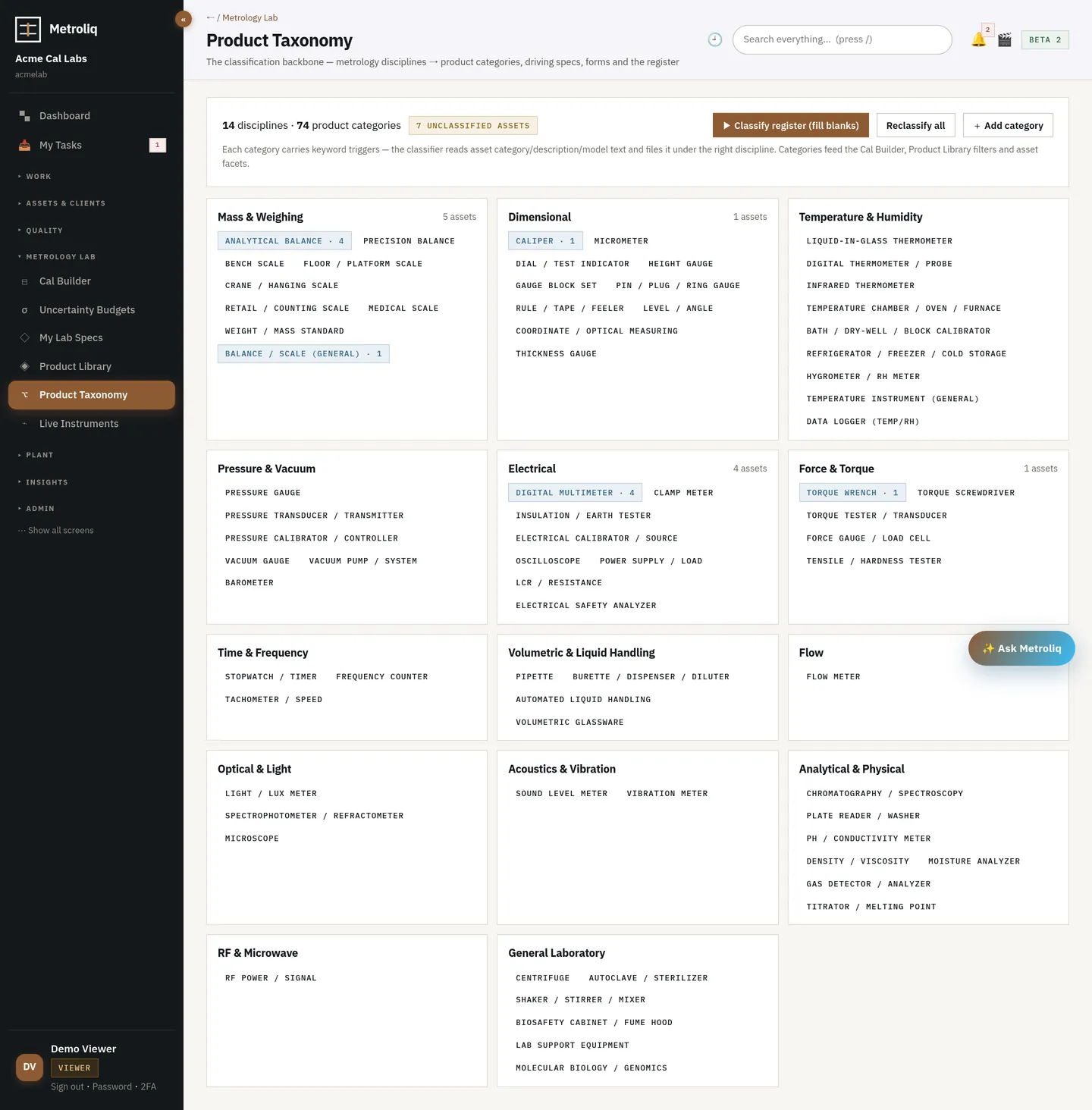
Three questions, then a workspace arrives with the modules, numbering, decision rules, security policy and starter templates that match how you operate. Drop your old system's export and approve the mapping. Bring one lab and your real history.
Onboarding is a transaction, not a project: tenant, subscription, admin user, lab-type preset and content packs are created together, audited, and idempotent. A pack installed twice changes nothing.
The form on the last screen of the demo. Tell us the lab, the disciplines, the instrument count and what hurts.
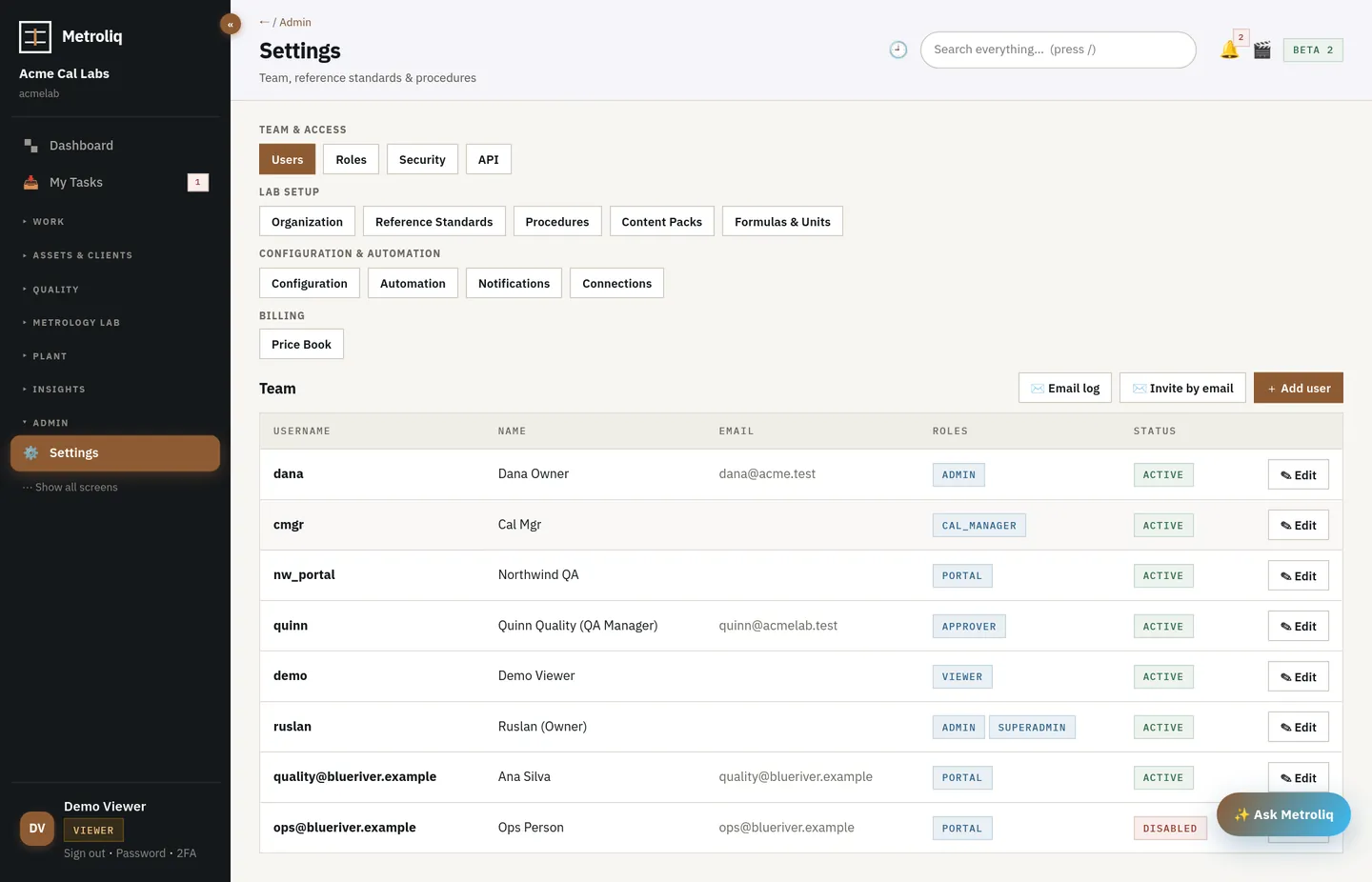
Three questions create the workspace: kind of operation, disciplines, accreditation posture. GxP plus Part 11 turns on required 2FA, GxP status control and a password on every signature.
Drop your export: Excel, CSV, TSV, or a legacy calibration system's export. The mapping is proposed and shown; you approve it; the run is idempotent and audited.
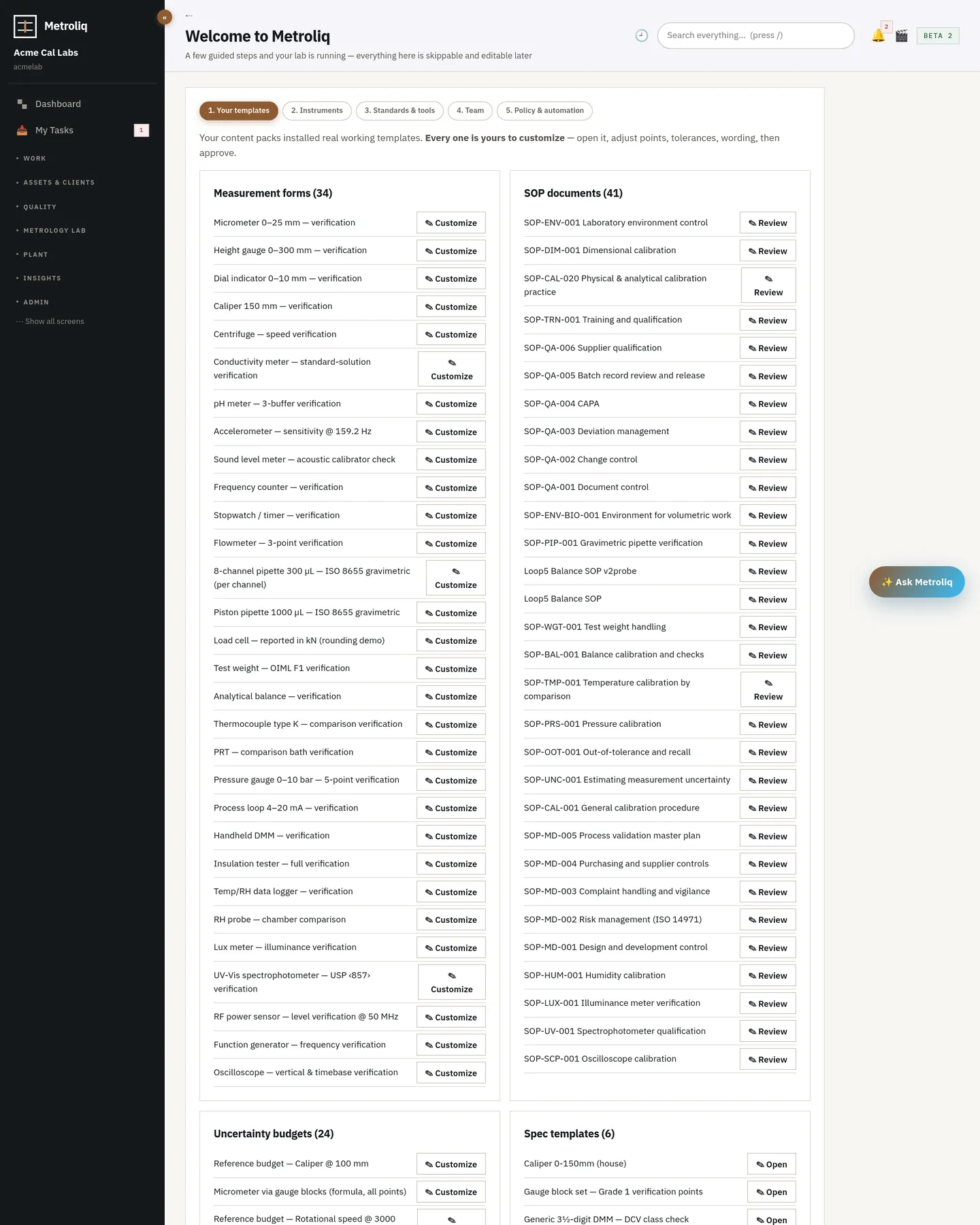
Starter measurement forms, spec templates, SOP drafts and uncertainty budgets from the content packs, adjusted to your procedures.
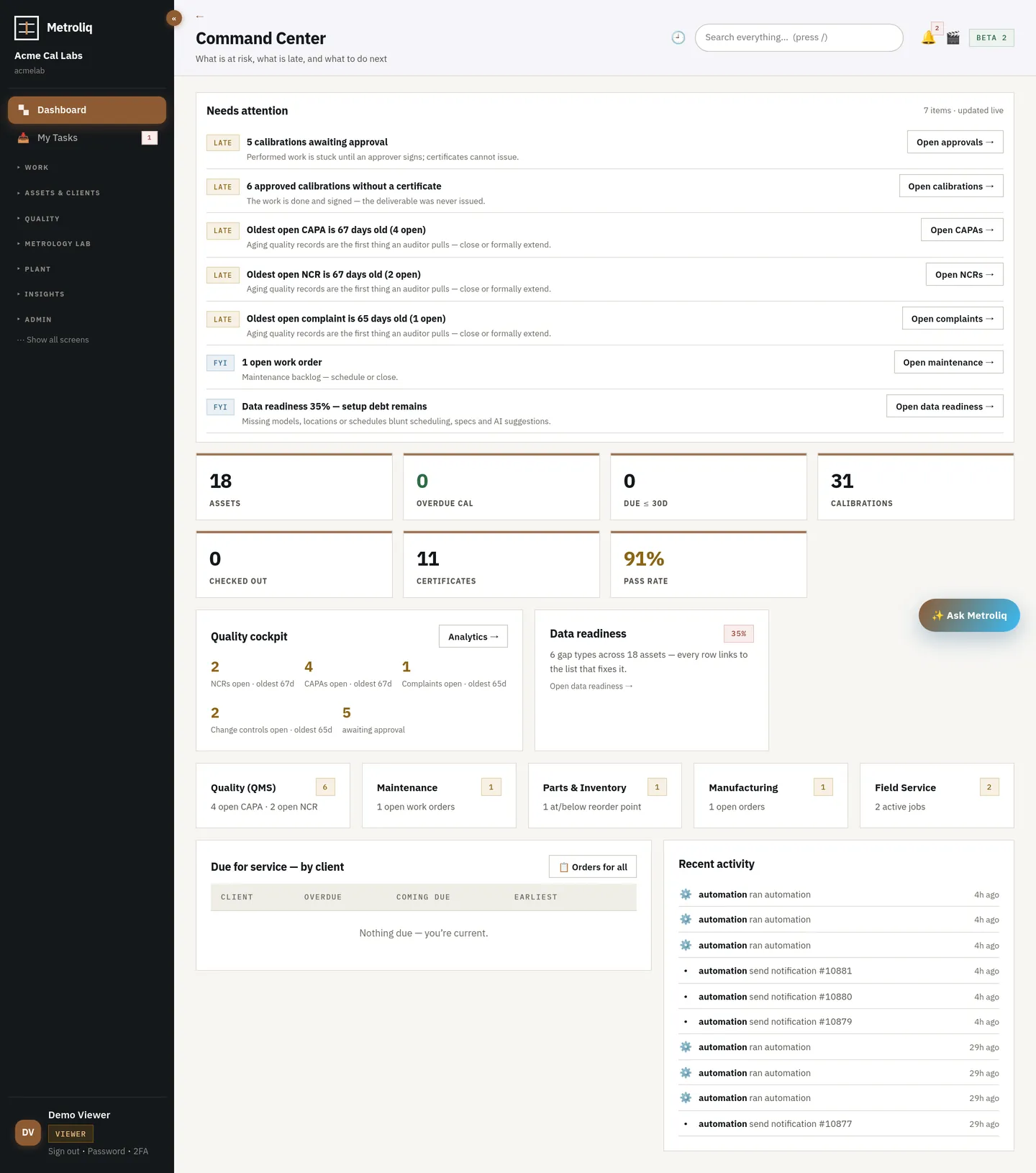
Real jobs on real instruments with your own history. Our verification suite runs in your workspace on day one.
Keep going, or take an audited full export and leave. Either way the data is yours.
The import engine proposes a mapping like this for every column, then shows it to you before anything loads. Assets map onto 30 canonical fields including site, building, room and bench.
The workspace exists before your first login ends. A pilot on real history is days, mostly your review of the mapping and the templates.
Not to start: it is a browser application. For SSO, SCIM or an on-premise deployment, yes.
That is the normal case. The mapper shows you what it understood and what it did not; phantom rows are reported, not loaded. We help with the rest.
The tour runs the working platform, not a mockup. Pilot on your own instruments with your own imported history — we set it up with you, and fixes ship in hours and days, not release cycles.