In the product
What it looks like
Screens from the live platform, demo tenant. Click any screen to open it full size.
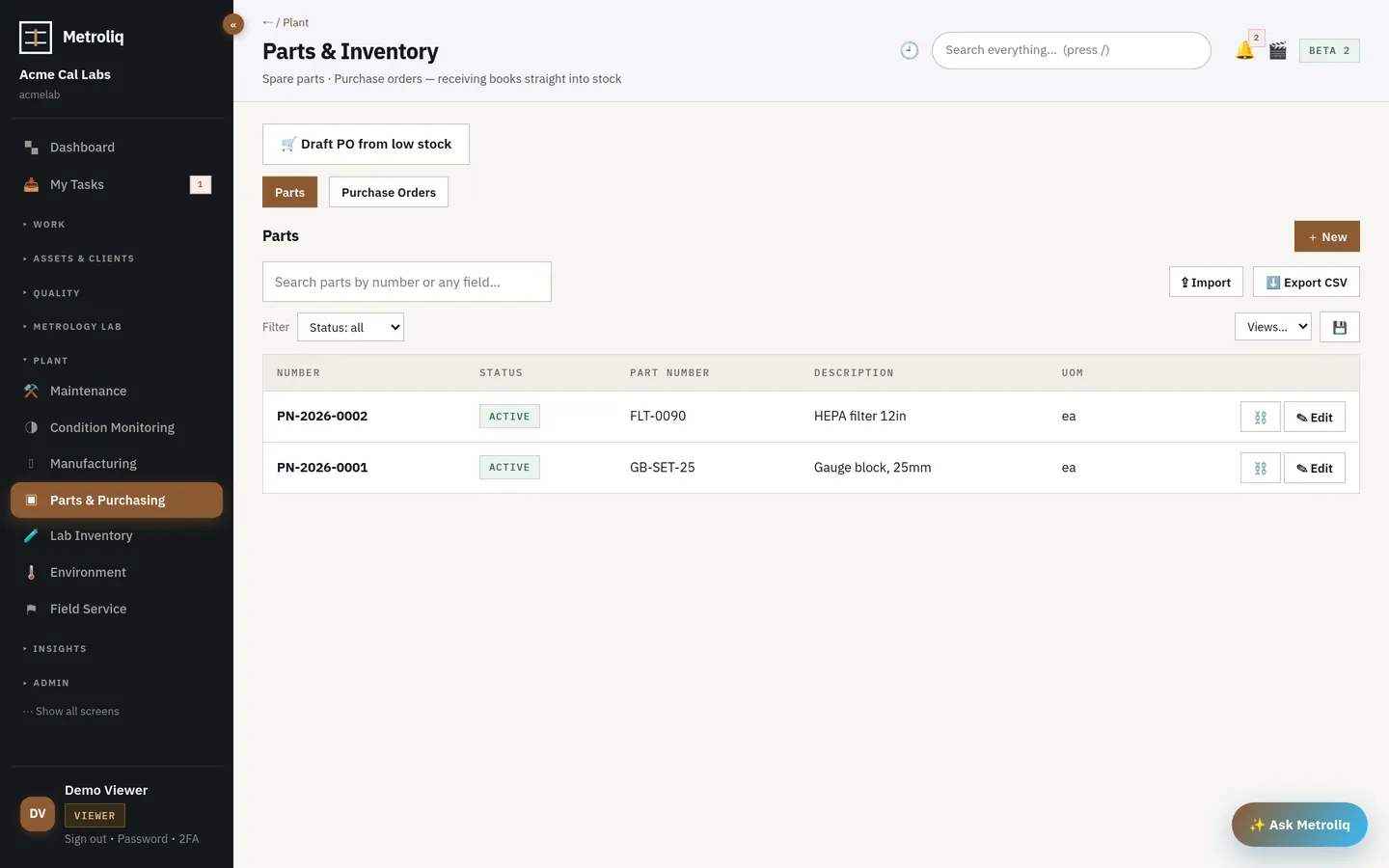
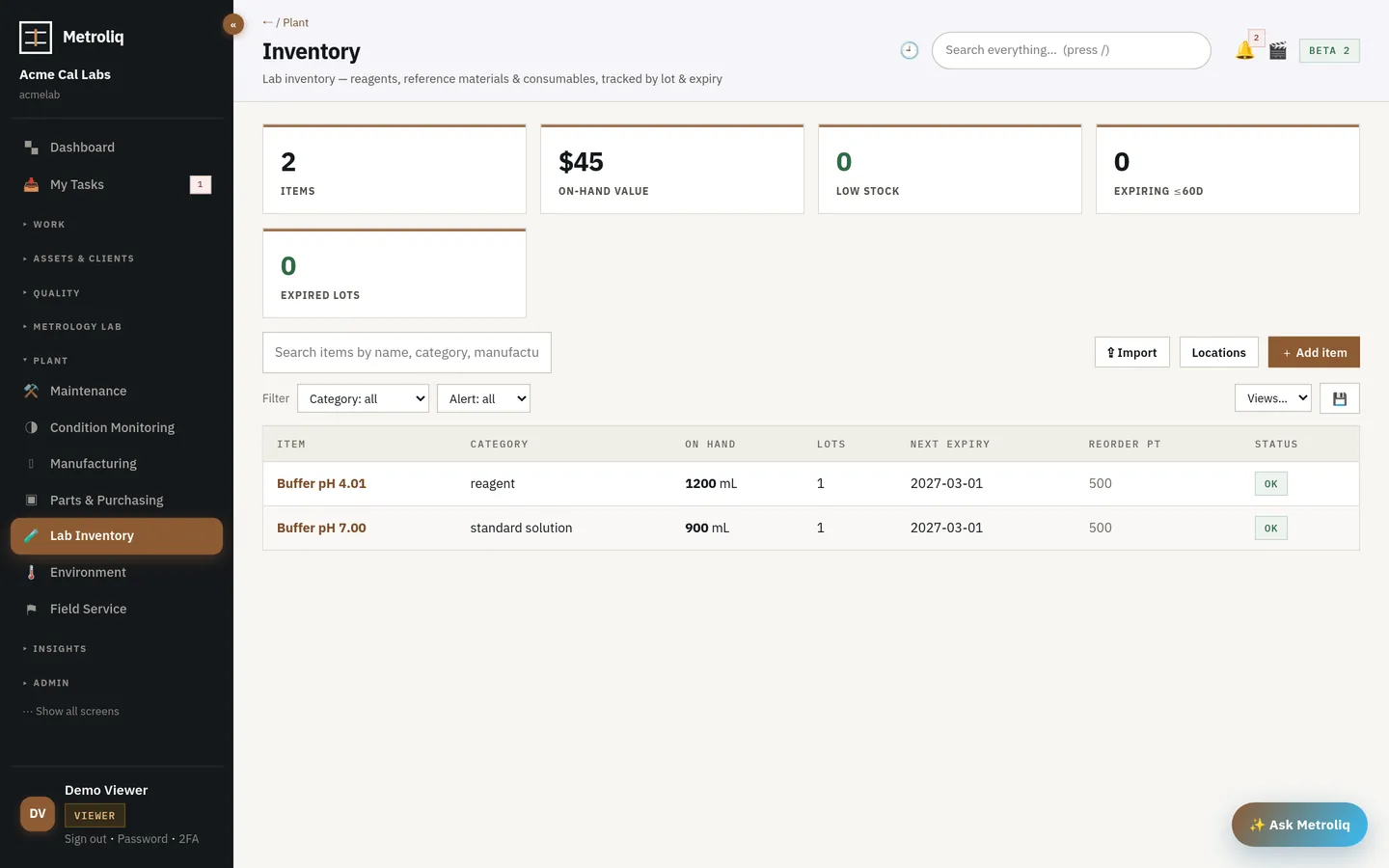
Two stock surfaces on one record: CMMS parts and purchase orders, and lab-grade inventory of reagents, reference materials, standard solutions, gases and consumables tracked by lot with expiry, certificate of analysis and storage location.
Issue is first-expired, first-out; expired stock cannot be issued. Consumption is recorded against the work order or calibration that used it. Low stock raises a purchase order automatically; lots move quarantine → released → rejected, and nothing else.
Screens from the live platform, demo tenant. Click any screen to open it full size.
Against a purchase order, into a lot with expiry and certificate of analysis, into a location.
Lots move quarantine → released; rejected lots cannot be issued.
First-expired, first-out, against the job that consumes it.
Low, expiring and expired stock surface on the summary.
A purchase order is raised from low stock automatically.
A quality system is defined as much by what it will not accept. These are enforced in the platform, not in a procedure.
Refused.
Rejected (400).
Two stock surfaces on one record: CMMS parts and purchase orders, and lab-grade inventory of reagents, reference materials, standard solutions, gases and consumables tracked by lot with expiry, certificate of analysis and storage location.
Three lots of the same reference material. The system issues the nearest valid expiry and refuses the expired one.
Here it is impossible: the issue is refused, and the consumption record shows which lot went into which job.
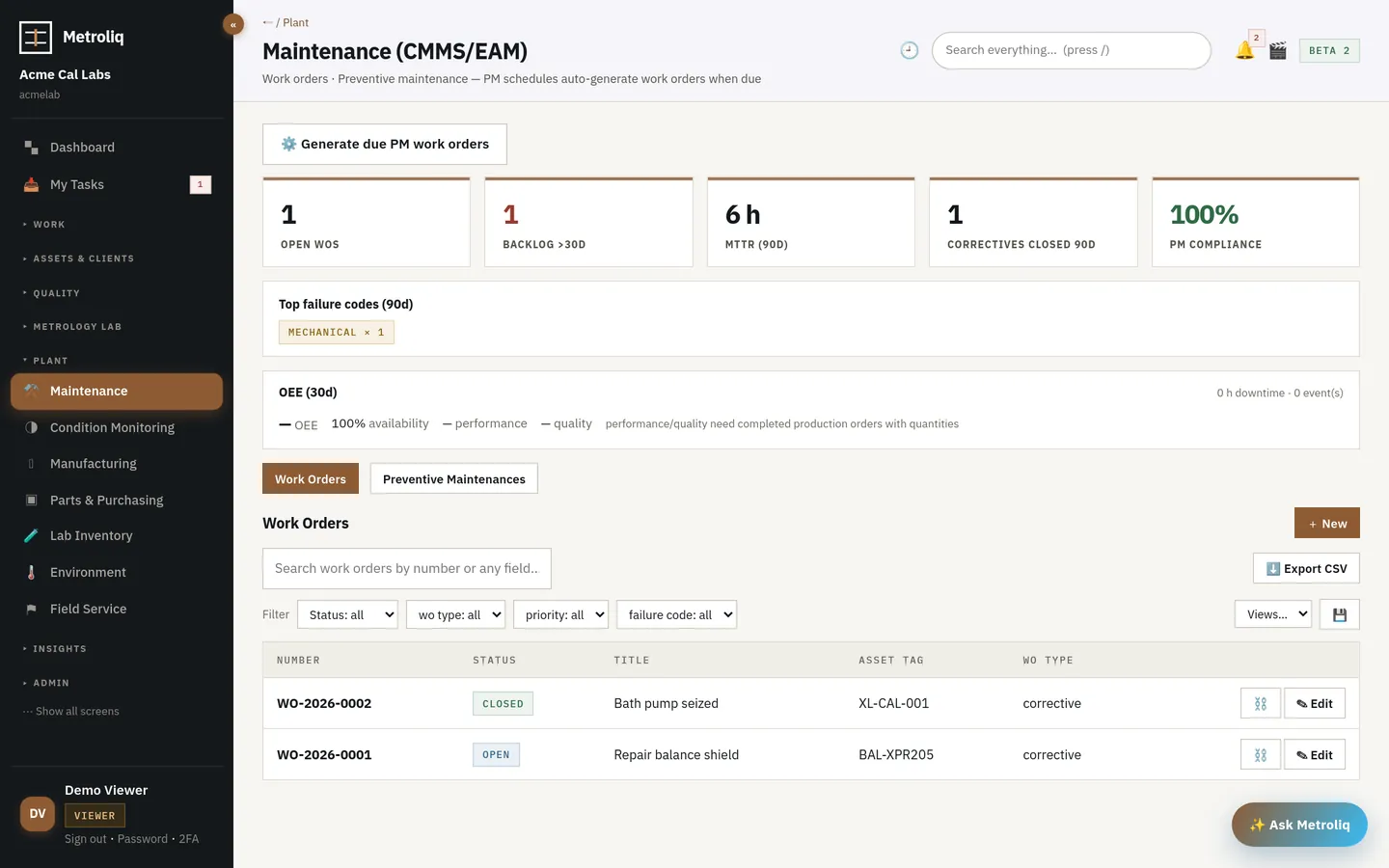 Maintenance · CMMS · condition monitoringMaintenance (CMMS)One asset. Its whole life.Work orders with failure, cause and remedy codes, preventive maintenance by interval or meter, and condition-based rules that raise work fro…
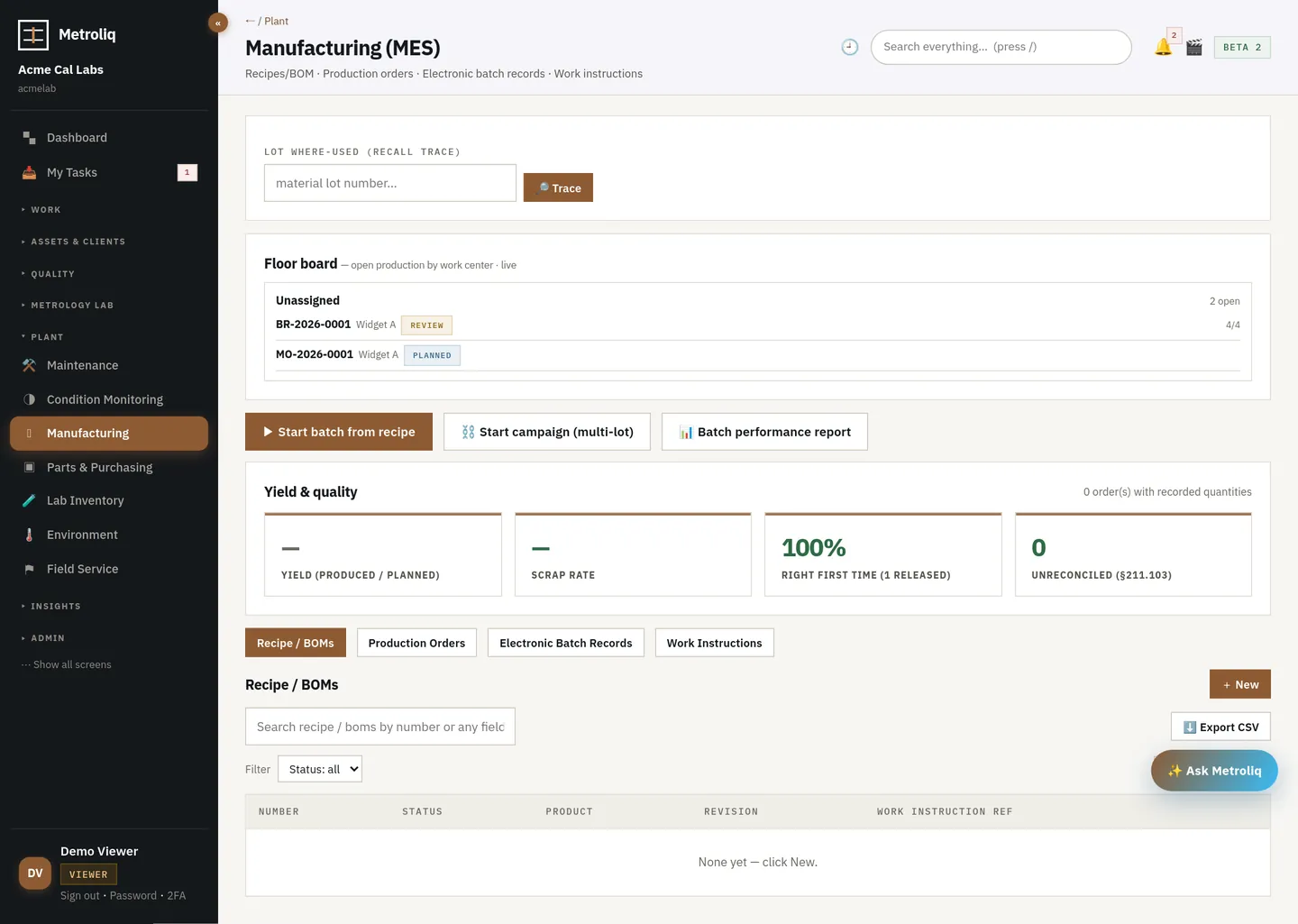 Manufacturing execution · MESManufacturing execution (MES)Batch records that execute.Recipes and BOMs, production orders, versioned work instructions and electronic batch records that run: steps in order, each with its own e-…
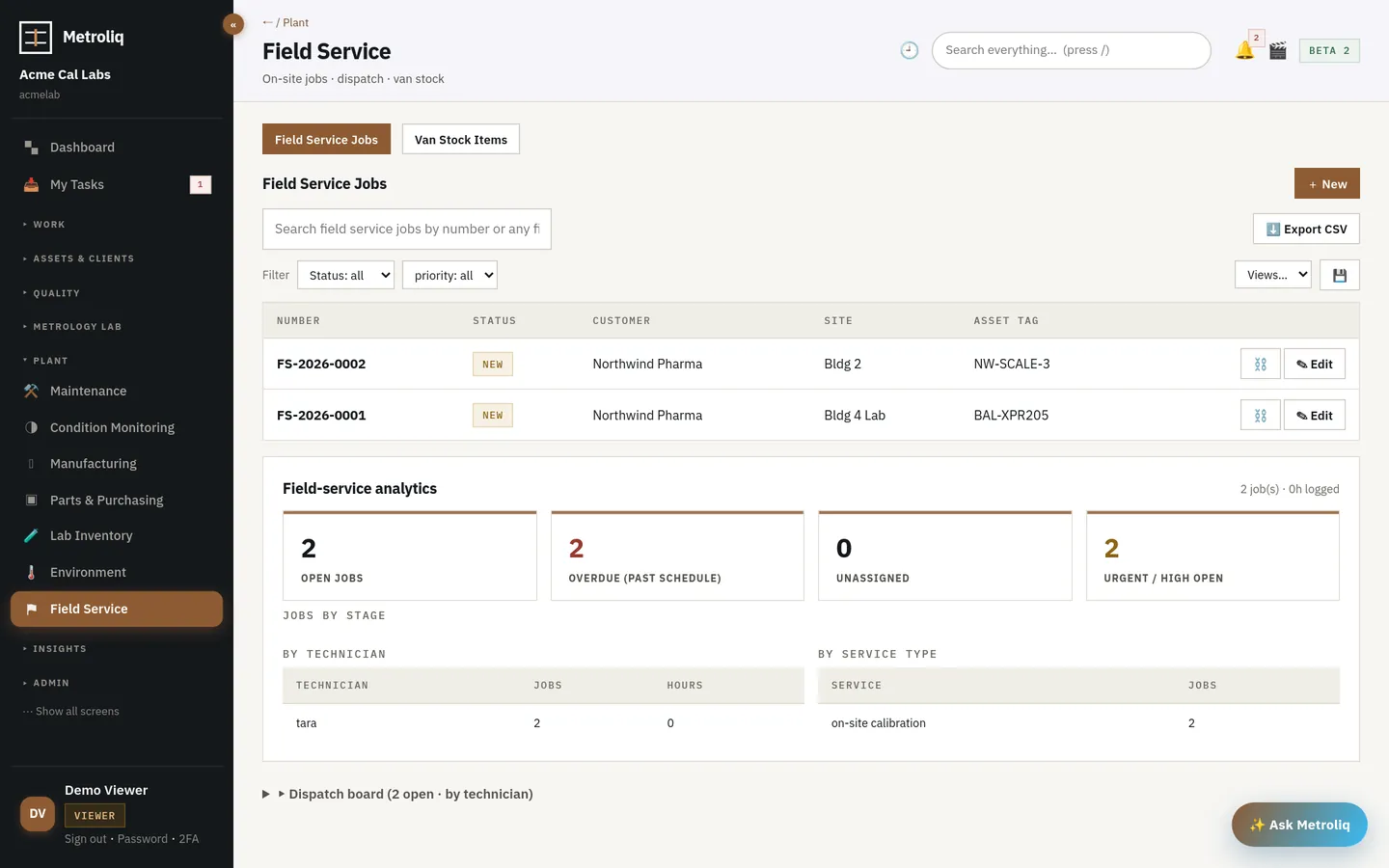 Field service · offlineField serviceCertificates issued on site.Field jobs on a live dispatch board grouped by technician, van stock per vehicle, trip kits with the standards a job needs, and the same cal…
The tour runs the working platform, not a mockup. Pilot on your own instruments with your own imported history — we set it up with you, and fixes ship in hours and days, not release cycles.