metroliq
CalibrationCertificates & DCCQuality (QMS)Documents & trainingInstruments & captureSchedulingMaintenance (CMMS)Assets (EAM)Manufacturing (MES)Field serviceParts & inventoryService pipelineCustomer portalAI buildersIntegrations & APIComplianceWorkspace & admin
Workspace · command center · admin

What is at risk, what is late, what to do next.

The command center opens on what needs attention, with a button for each item. Around it: a personal task list, global search and a command palette, a narrated guided tour, notifications, saved views, and the administration a regulated workspace needs. An isolated sandbox clones the whole workspace for testing, and OAuth2 client-credentials machine tokens join API keys for system-to-system access.

Users, custom roles, SSO and SCIM, two-factor policy, password and session policy, numbering, branding, custom fields, environment limits, decision-rule defaults, records lifecycle, the audit trail and your validation file all live in the same shell as the work. Nothing is a separate admin product.

See it in the tour Every capability
Needs-attention itemslive, updated
Search/ or Ctrl-K
Tournarrated, in-app
Adminsame shell + sandbox clone
In the product

What it looks like

Screens from the live platform, demo tenant. Click any screen to open it full size.
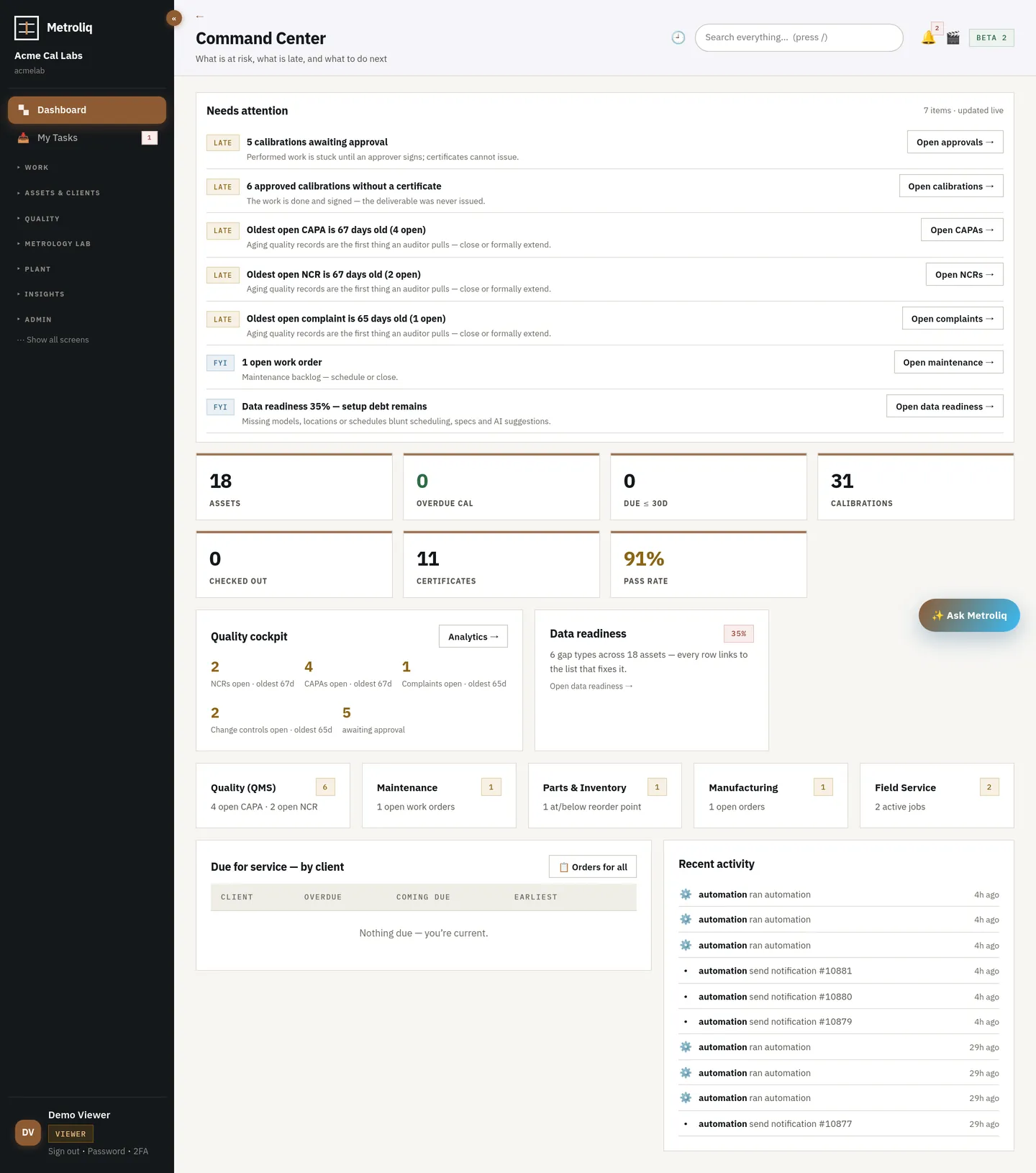
Command center dashboard with needs-attention list and KPIs
The command center: needs-attention items with one-click actions, KPIs, quality cockpit, data readiness, due-by-client, recent activity.
How it works

A day in the shell

  1. 01
    Open

    The command center lists what is at risk and what is late, each with the button that fixes it. Login returns you to the page you left.

  2. 02
    Find

    Global search across tags, certificates, clients and orders; a command palette; recently viewed records; saved filter views.

  3. 03
    Act

    Quick-create from anywhere; row preview drawers; the guided tour when someone is new.

  4. 04
    Administer

    Users, roles, SSO, policies, numbering and branding in the config studio — configuration, not code.

  5. 05
    Prove

    Audit trail with verify and periodic review; records lifecycle with retention and holds; the validation kit; audited full export.

What it includes · 32 capabilities

Everything in the module

Command center and personal work

  • Needs-attention list with one-click actions (approvals stuck, certificates not issued, aging CAPA/NCR/complaints, open work orders, data readiness)
  • KPIs: assets, overdue, due within 30 days, calibrations, checked out, certificates, pass rate
  • Quality cockpit and module tiles with open counts
  • Due-for-service by client; recent activity feed
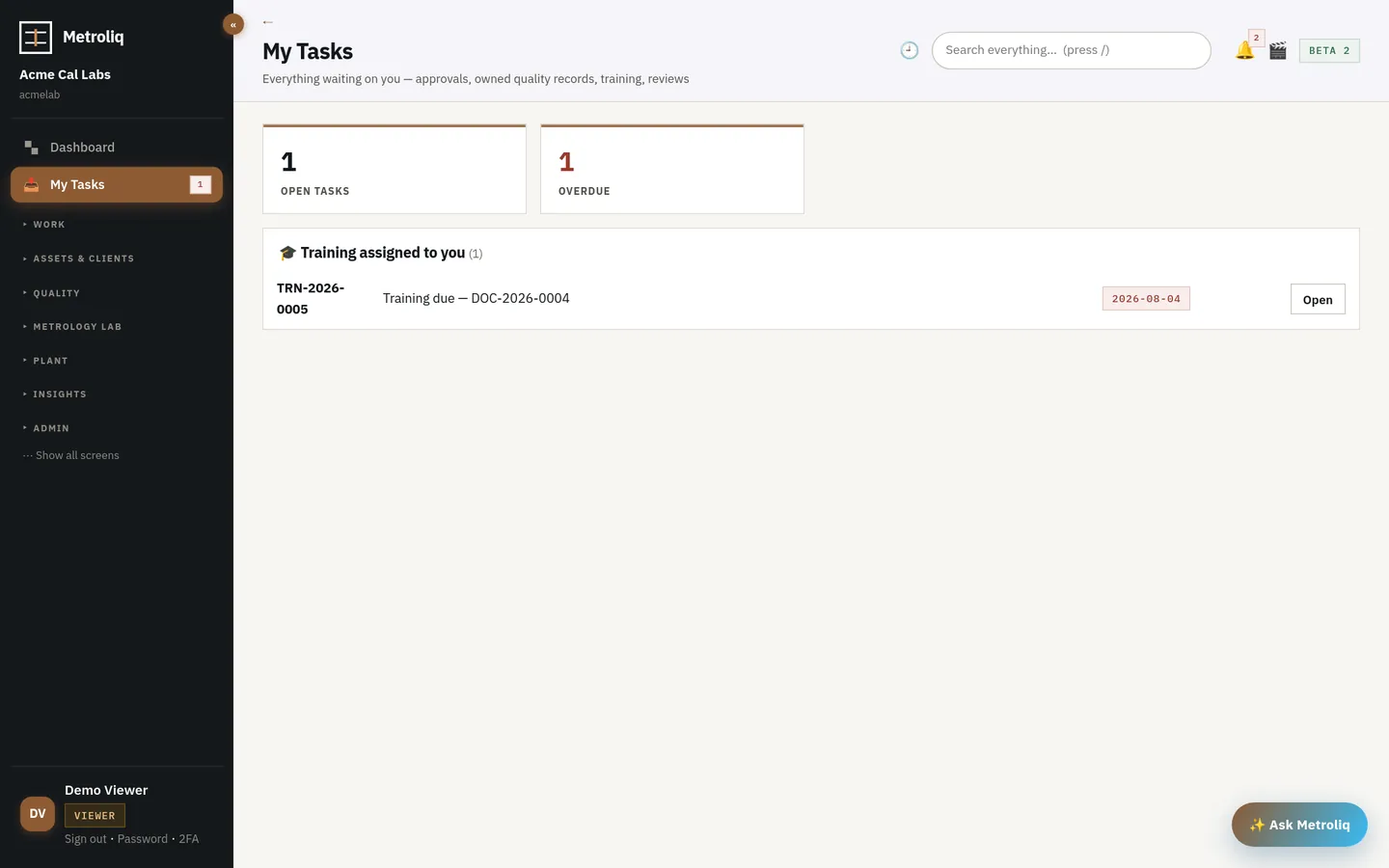
  • My tasks: assignments and pending signatures
  • Login lands on the last page you used in that workspace
Personal task list
My tasks: what is assigned to you, what is waiting on your signature.

Finding things

  • Global search across tags, certificate numbers, clients and orders (press /)
  • Command palette (Ctrl/Cmd-K) and quick-create from anywhere
  • Recently viewed records; saved filter views per list
  • Row preview drawers; hub › view breadcrumbs; workspace switcher for people in several tenants
  • Narrated, interactive guided tour
  • Product library search answers in tens of milliseconds across 800,000 models (one indexed search column)
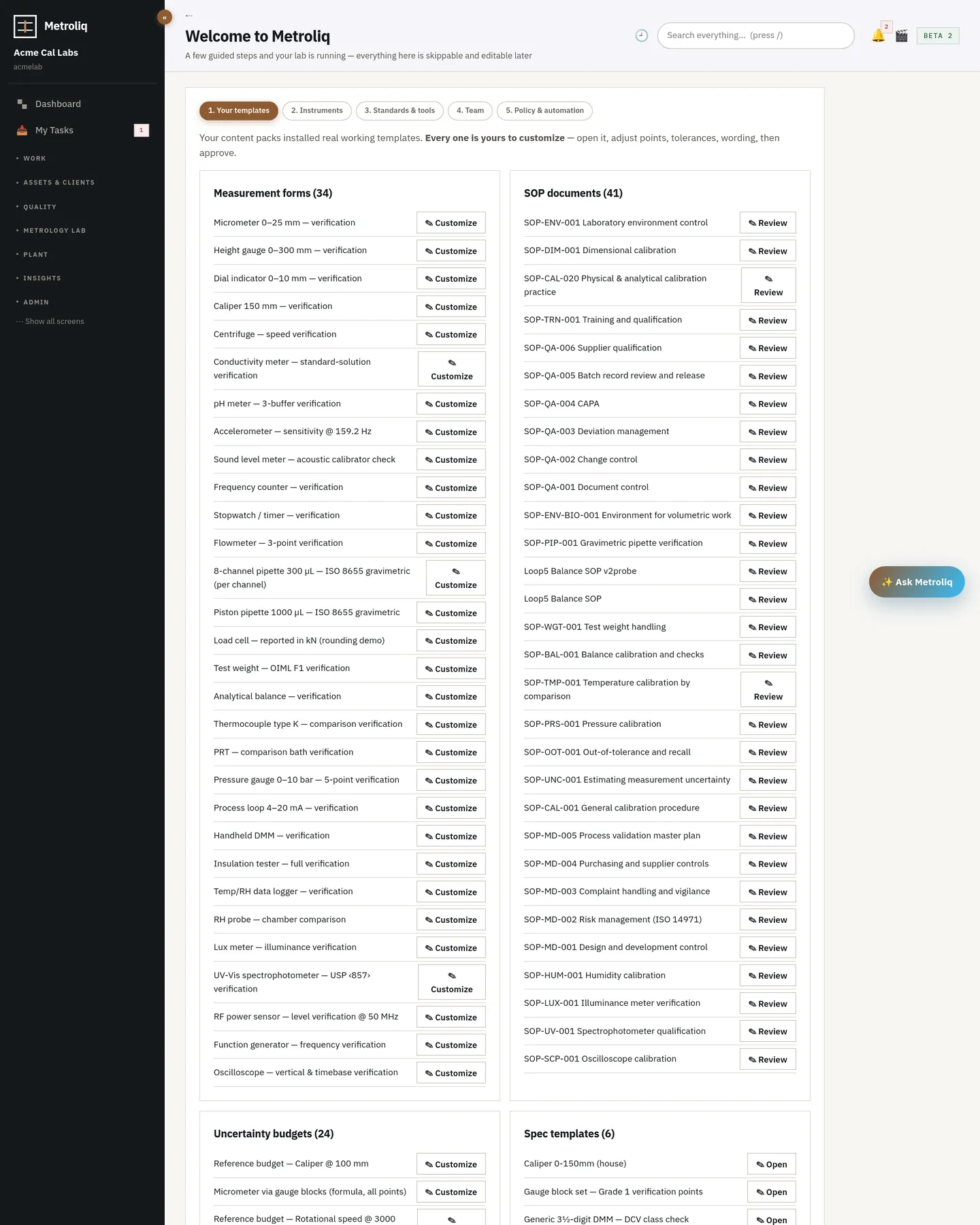
Welcome and getting-started checklist
Getting started: install a content pack, add or import instruments, invite the team, set the security policy, turn on automation.

Administration

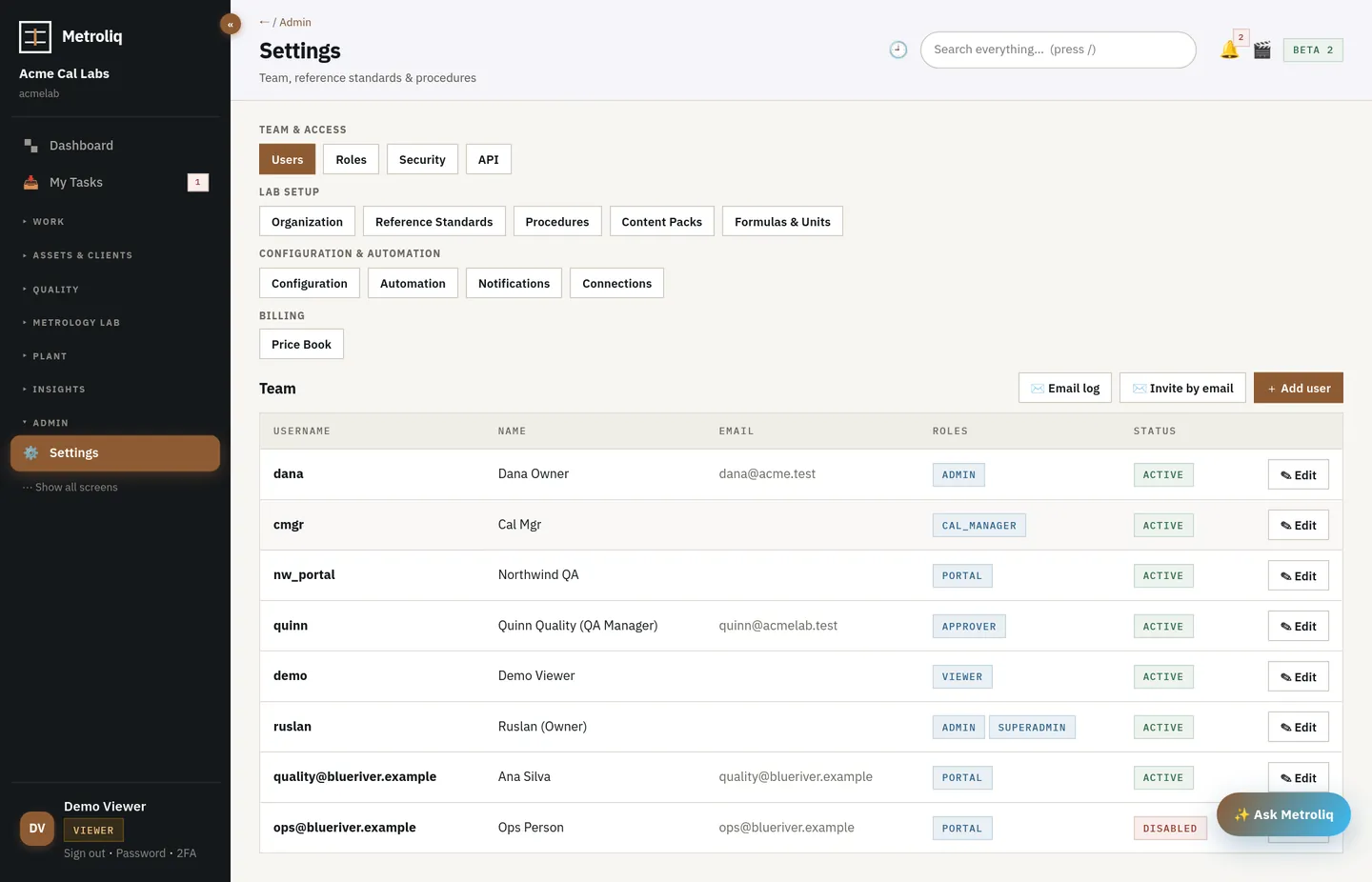
  • Users and invites, custom roles with granular permissions, access review
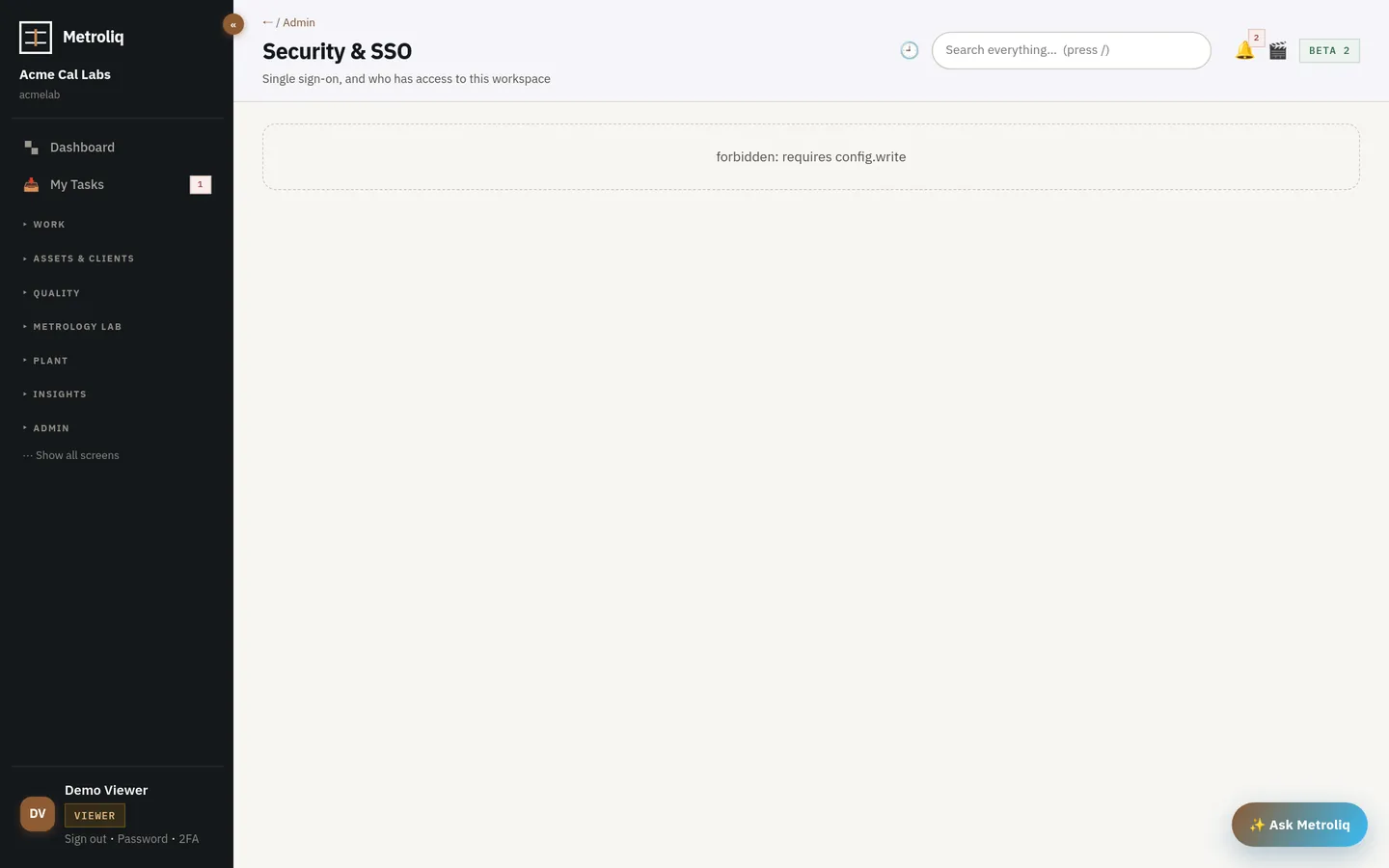
  • OIDC and SAML single sign-on, SCIM 2.0 provisioning, API keys
  • Two-factor policy, password expiry, idle logoff, e-signature session length
  • Config studio: branding and logo, lab identity and accreditation, date format and time zone, numbering prefixes, TUR target, decision-rule default, tax and currency, carriers, environment limits, custom fields
  • Content packs catalog with install counts; getting-started checklist
  • Platform operator console (for the Metroliq team): tenants, plans, usage, demo analytics and intake
Tenant configuration
Config studio: branding, lab identity and accreditation, numbering, TUR target, decision-rule default, custom fields, environment limits, tax and currency.

Records, audit, validation

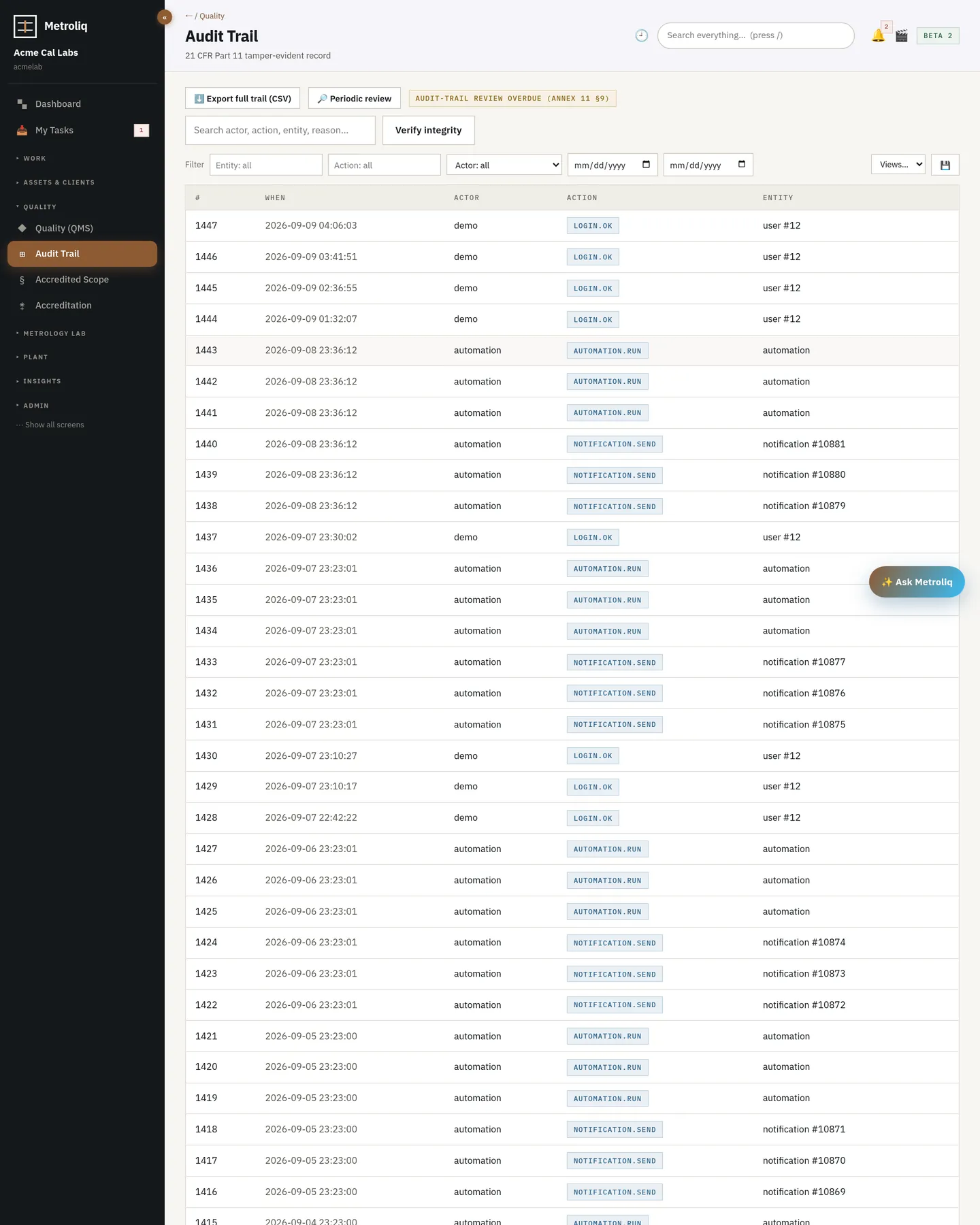
  • Audit trail: hash chain, verify, facets, CSV export, periodic review
  • Records lifecycle: retention per class, legal holds, audited full-tenant export
  • Validation evidence: RTM, IQ, self-running OQ, PQ, report
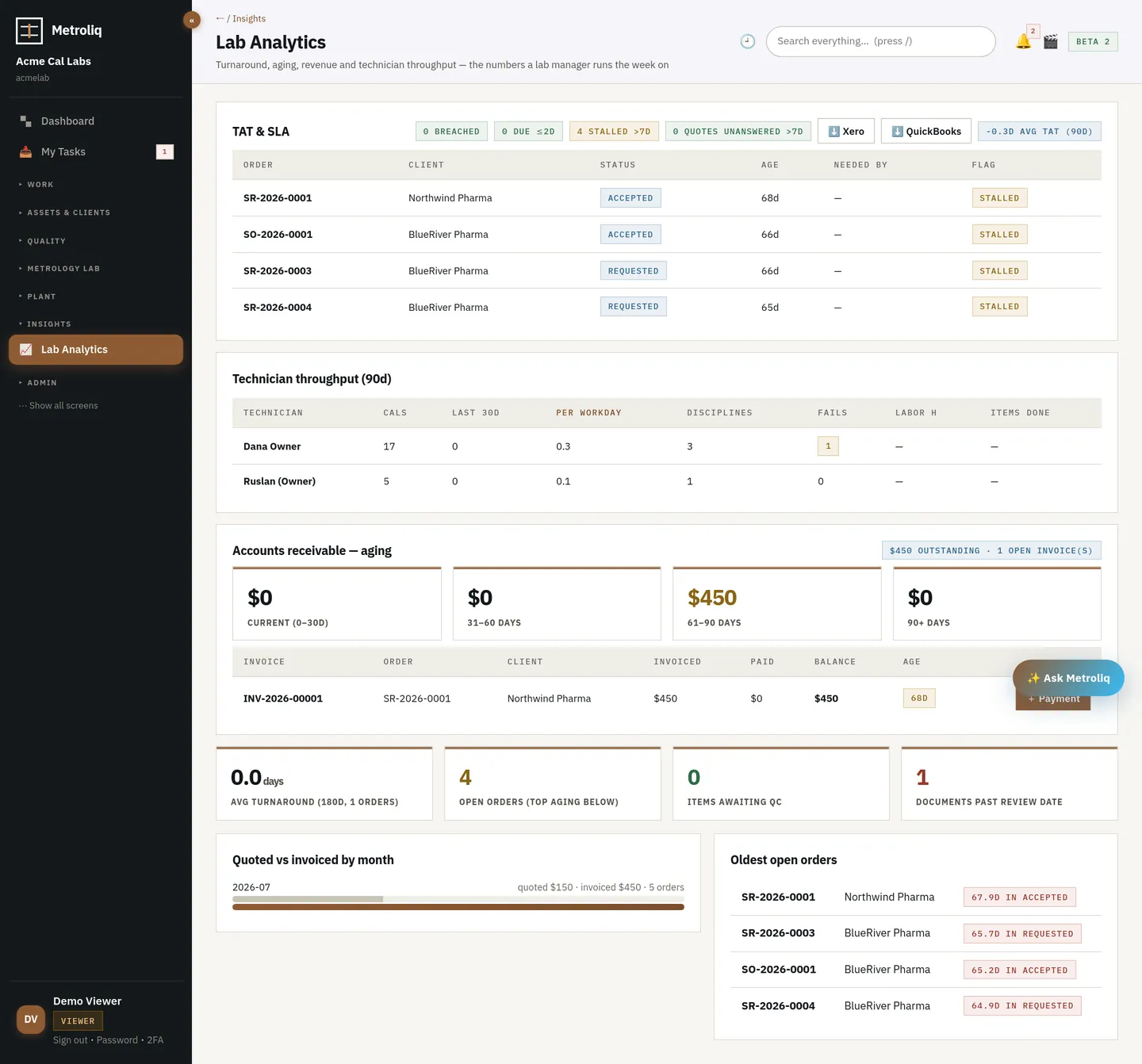
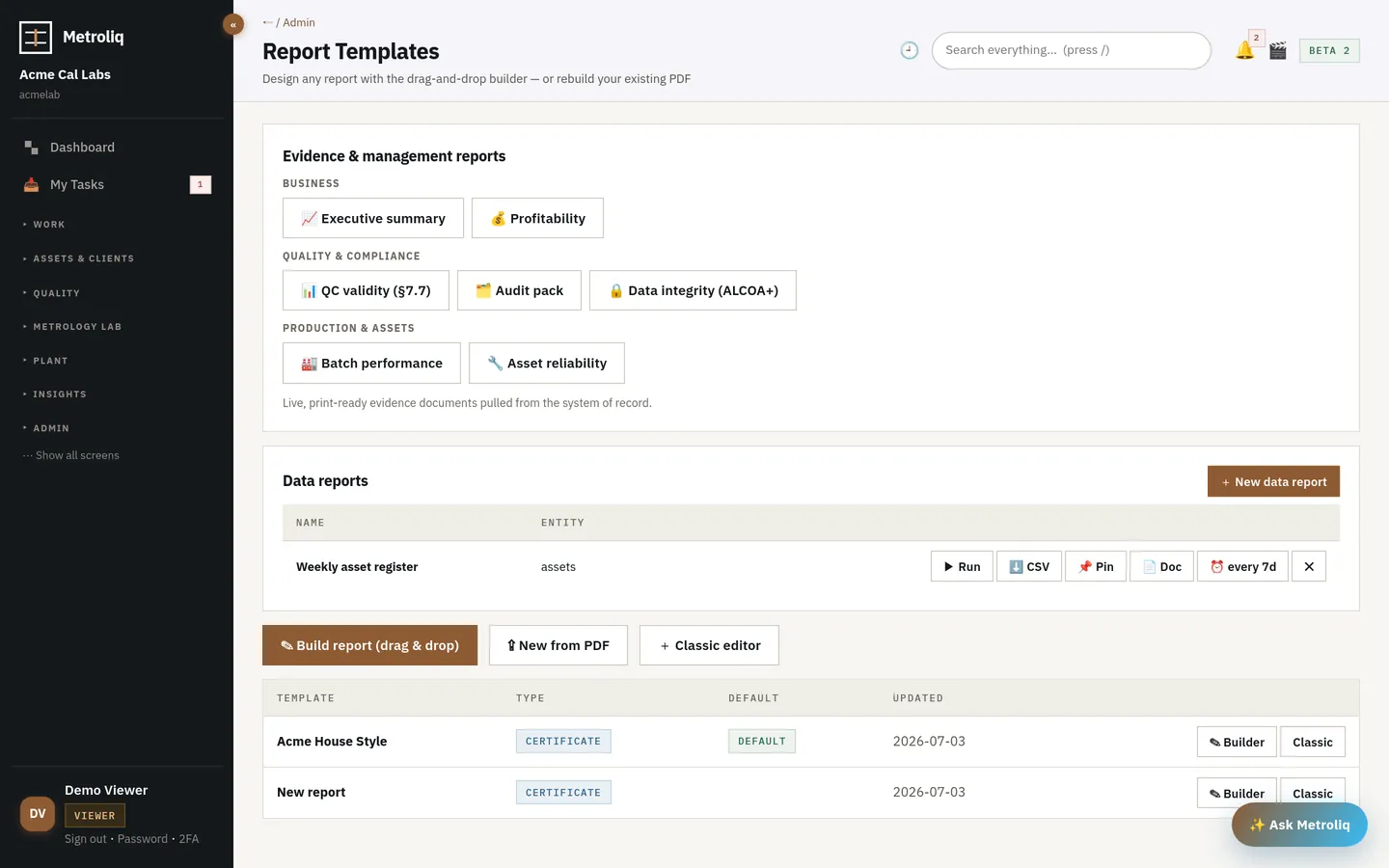
  • Data reports builder: CSV run, schedule, pin, publish as document; job costing, data integrity, team productivity, executive summary, AR aging
  • Lab operations and technician analytics
Security settings
Security: SSO (OIDC, SAML), SCIM, two-factor policy, password expiry, idle logoff, access review.

Sandbox, scopes & machine tokens

  • Spin up an isolated sandbox copy of the workspace (users, roles, workflows, documents, forms, assets, clients) for testing before anything touches production; refresh from production on demand, e-signed, or delete; sandboxes are excluded from billing, stats and alerts
  • Site- and customer-scoped roles restrict a user to one site or client across the asset register, calibration events, service orders and work orders
  • OAuth2 client-credentials machine tokens (RS256 JWT, one-hour expiry, scoped, verifiable via JWKS) alongside API keys
  • Web Push notifications as a channel: subscribe a device and route certificate, out-of-tolerance and service-order alerts to it
  • A sandbox clone translates every cross-table reference (declared foreign keys, conventional *_id columns and JSON references) into the sandbox's own ids; a probe fails on any reference that still points at the source tenant, and unresolved references are reported in the clone result.
Lab operations dashboard
Lab operations: turnaround, backlog, technicians, receiving and shipping.

Languages

  • Calibration certificates print in the customer's language with the English original alongside by default; DCC files carry the matching language attribute.
  • Per-workspace wording overrides without waiting for a release; machine-translated content is labelled and tracked with live coverage statistics.
  • Eight languages (English, Spanish, French, German, Portuguese, Italian, Dutch, Japanese) at full coverage across the core and extension screens; locale-aware dates and numbers.
  • Translation review: machine strings queue for a reviewer, certificate-statement wording needs an e-signature, and a locale is marked certified only when every key is approved.
Personal task list
In the product My tasks: what is assigned to you, what is waiting on your signature.
Guards the system enforces

Things it refuses to do

A quality system is defined as much by what it will not accept. These are enforced in the platform, not in a procedure.

refuses

Reach the workspace without 2FA when the policy requires it

Un-enrolled staff can reach only the enrolment screens.

refuses

Change configuration outside the allowlist

Unknown configuration keys are ignored; custom fields must name a valid entity and type.

refuses

Enter another tenant silently

A platform operator entering a tenant is an audited act.

Welcome and getting-started checklist
In the product Getting started: install a content pack, add or import instruments, invite the team, set the security policy, turn on automation.
Why it's different

Compared with what is out there

One shell

Administration is not a separate product.

Roles, policies, numbering and the audit trail live next to the calibrations and work orders they govern.

Attention

The dashboard tells you what to do, not just what happened.

Every needs-attention line has the button that resolves it.
Beta · free while we build it with the first labs and plants

Bring one lab and your real history.

The tour runs the working platform, not a mockup. Pilot on your own instruments with your own imported history — we set it up with you, and fixes ship in hours and days, not release cycles.